We generally recommend you to have a reseller account if you meet one of the following criteria:...
I am getting the following apache 400 error:"Bad Request, Your browser sent a request that this...
When I access my new hosting account, I get the page "Forbidden".If you see this error, please...
You can update your credit card by logging into your client area and go to Billing -> Manage...
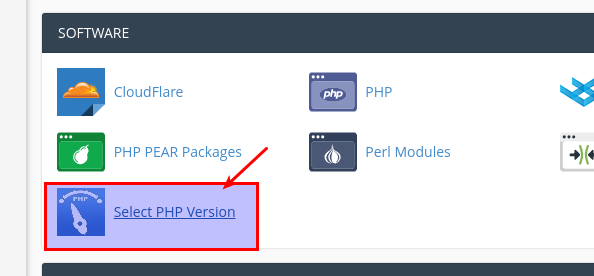
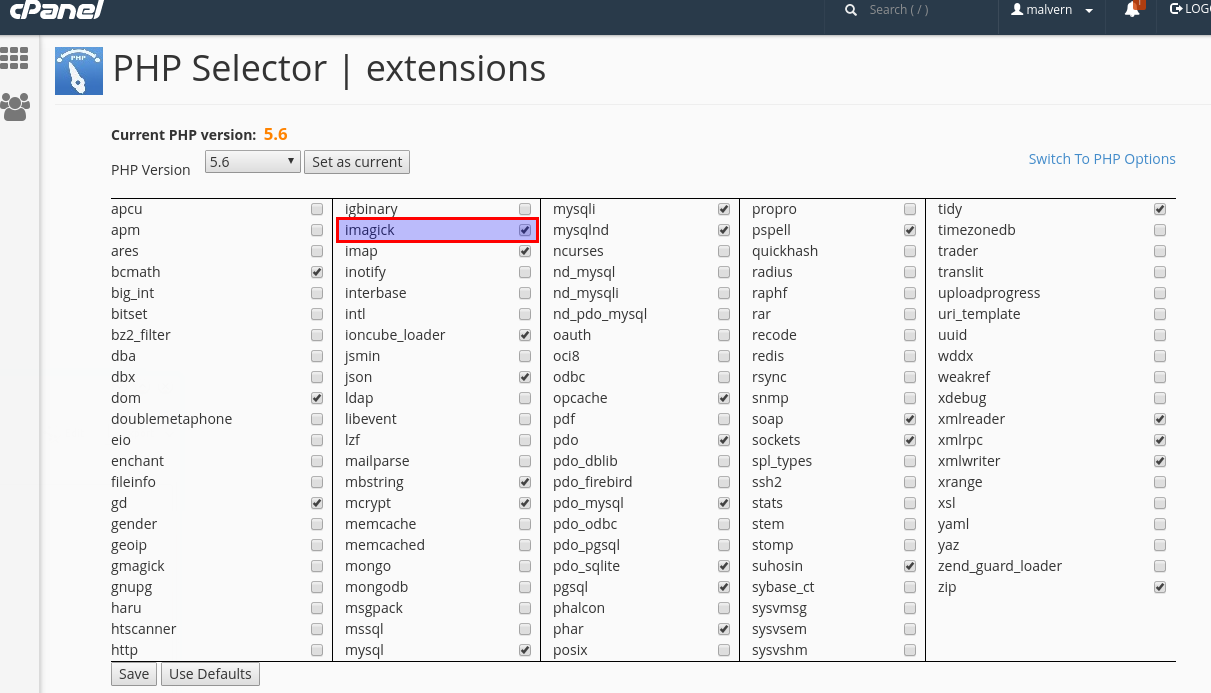
You can easily enable any PHP modules extensions yourself in cPanel.Please follow the steps...
Copyright © 2026 ANS Communications Pty Ltd. All Rights Reserved.